After a round of beta testing, Apple has officially released iOS 16.2 for iOS users. Users can now upgrade to iOS 16.2. This time, new features include Apple Music Sing, the Freeform collaboration app, and Advanced Data Protection for iCloud. iPhone and iPad users can upgrade to iOS 16.2 and iPadOS 16.2 starting December 13.
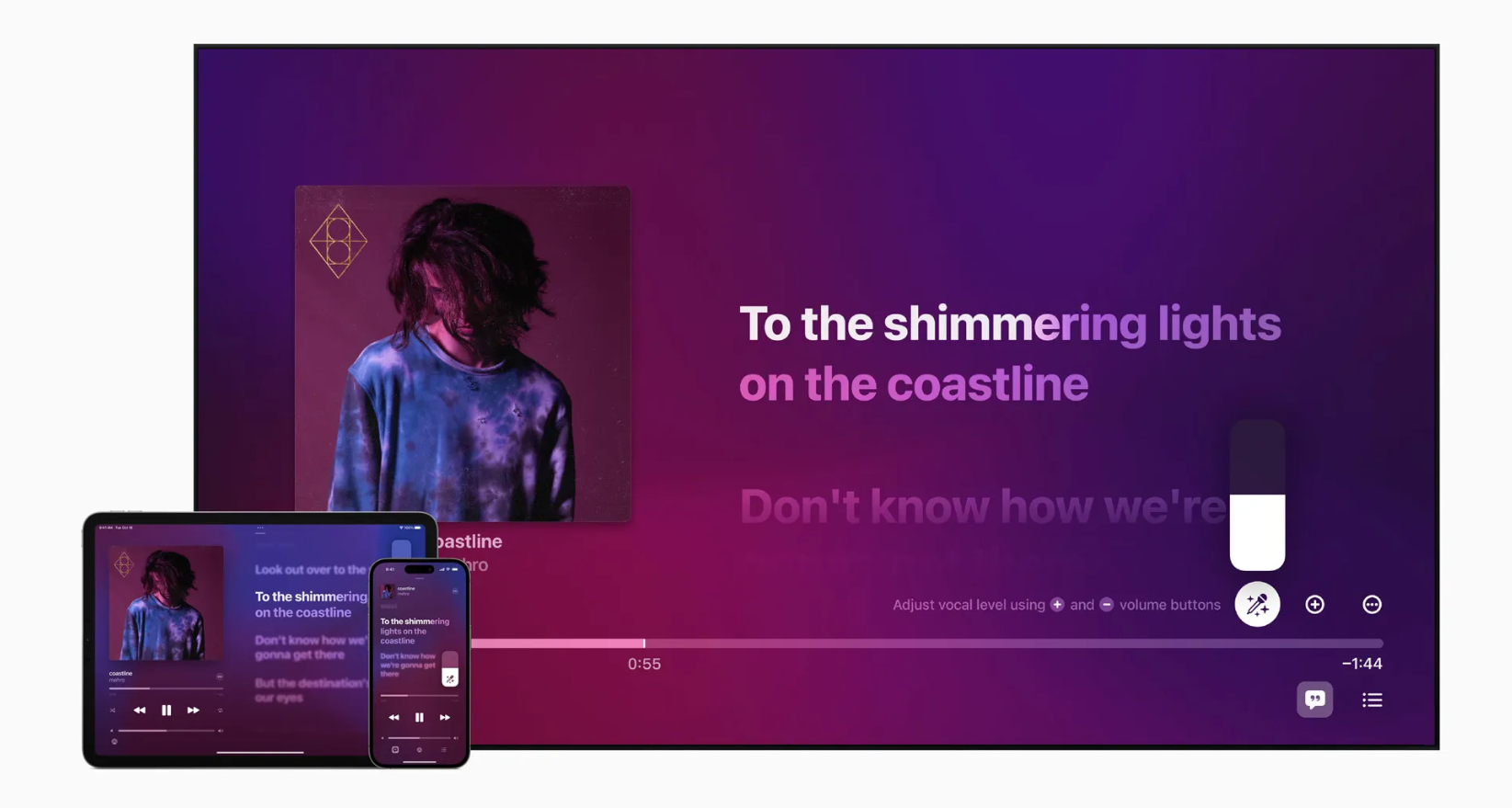
Image: Apple
Apple Music Sing
Apple Music Sing is a karaoke-style mode for Apple Music. It displays real-time lyrics, letting users sing along at the same time. Apple Music Sing is also linked directly with the Music app. Its features include Adjustable Vocals to tune the vocal level, Real-Time Lyrics that animate along with the song, Background Vocals that sing along under the main vocal, and Duet View, which splits the screen so two people can sing together.
Apple Music Sing also supports millions of songs. Apple Music subscribers around the world will be able to start using these features this month. Apple Music Sing isn’t limited to iPhone and iPad either — it’s also supported on the newly released Apple TV 4K. However, it’s reportedly not available on earlier Apple TV models.
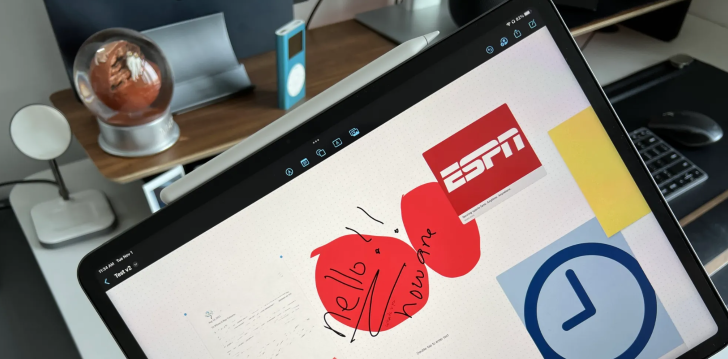
Image: Apple
Freeform
Freeform is a real-time collaborative canvas app usable across all of Apple’s platforms. It’s fair to call it an app that lets friends and colleagues create together on Mac, iPad, and iPhone. You can add files, images, and stickers, as well as sketch freehand and use various other tools. Because many users can work in it at the same time in real time, it could become a powerful tool for brainstorming in today’s world. Freeform is available now on iOS 16.2 and iPadOS 16.2, and will be available on Mac with macOS 13.1.
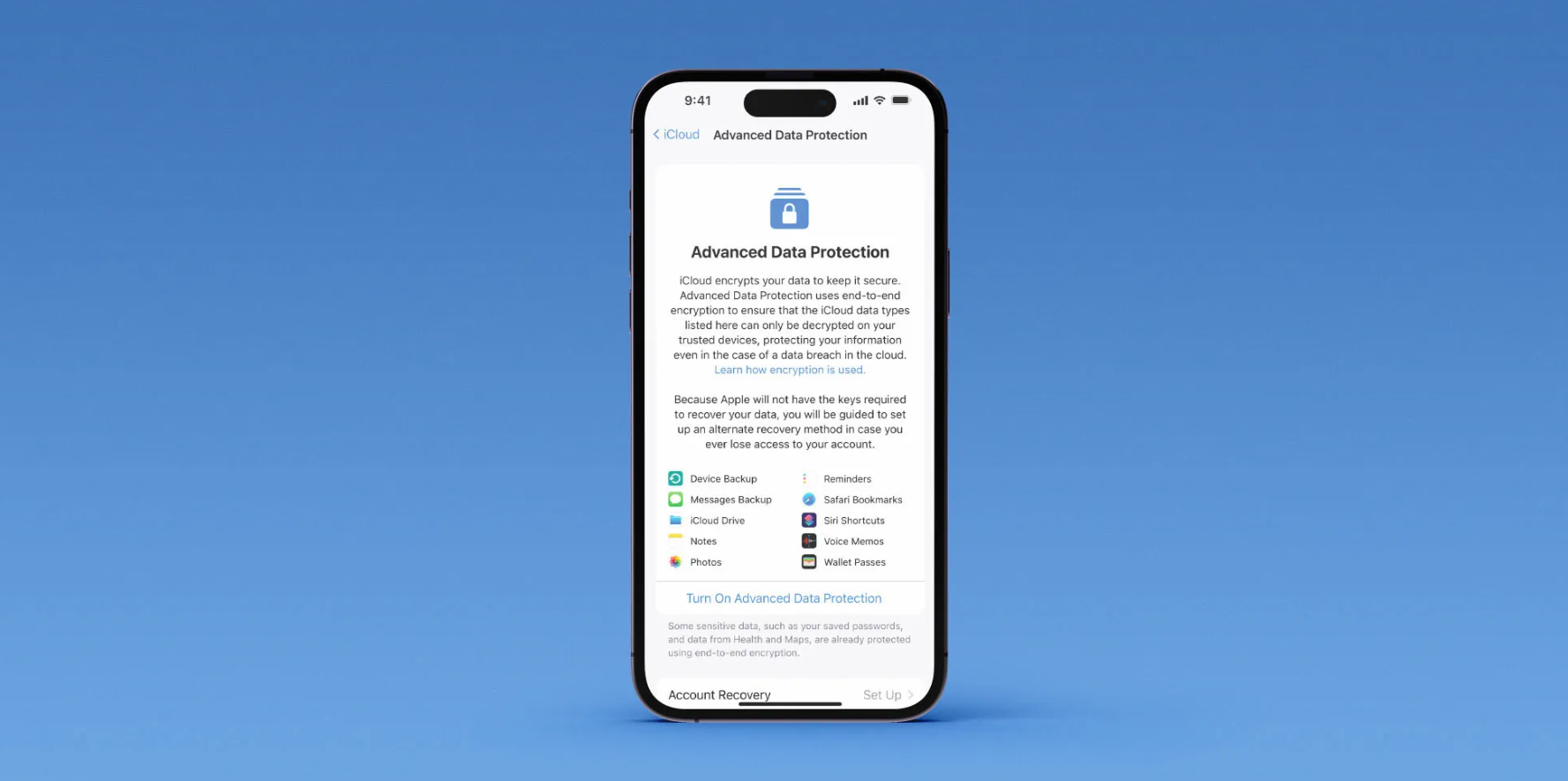
Image: Apple
Advanced Data Protection for iCloud
Advanced Data Protection is an end-to-end encryption feature that provides an extra layer of security for iCloud. It expands the number of iCloud data categories protected with end-to-end encryption to 23, including iCloud Backup, Notes, Photos, Reminders, Safari Bookmarks, Siri Shortcuts, Voice Memos, and Wallet Passes.
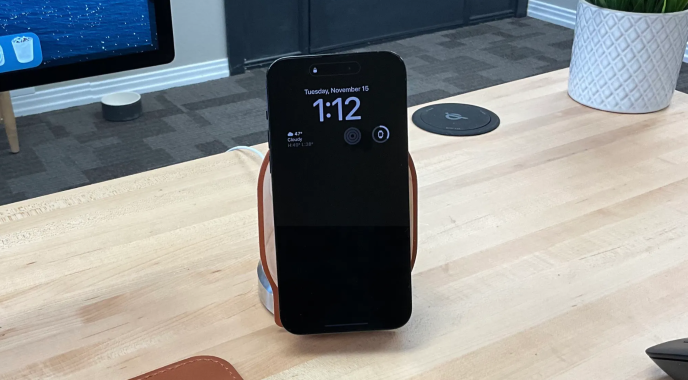
Image: Apple
Lock Screen and Always-On Display
Apple has also made changes to iOS 16’s Lock Screen Customization and to the Always-On Display on the iPhone 14 Pro. On the iPhone 14 Pro and iPhone 14 Pro Max, the Always-On Display can now hide the wallpaper or notifications. The Sleep widget will also show your usual sleep data.