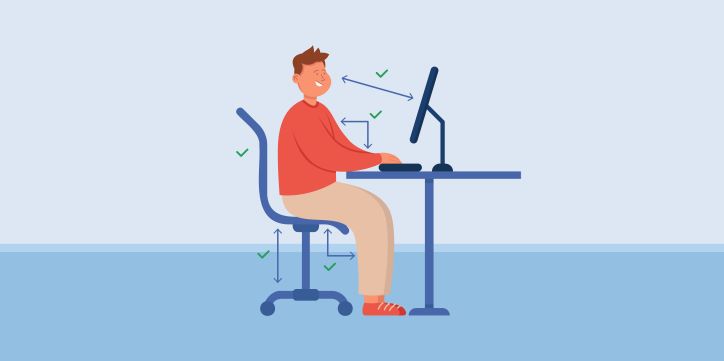
As phones, computers, and laptops have become more popular, they’ve become an almost unavoidable part of nearly everyone’s daily life. Whether for work, education, or entertainment, heavier use of these devices can also pose risks to your eyes. Newer devices do include features designed to reduce eye strain, but they can only reduce the impact — not eliminate it entirely.
Spending more time focused on digital screens can lead to eye strain, headaches, blurred vision, dry eyes, itchy eyes, and even neck strain. Since eyesight is essential to a person’s daily life, protecting your eyes matters. Here are some things you can do while using your phone, computer, or laptop throughout the day.
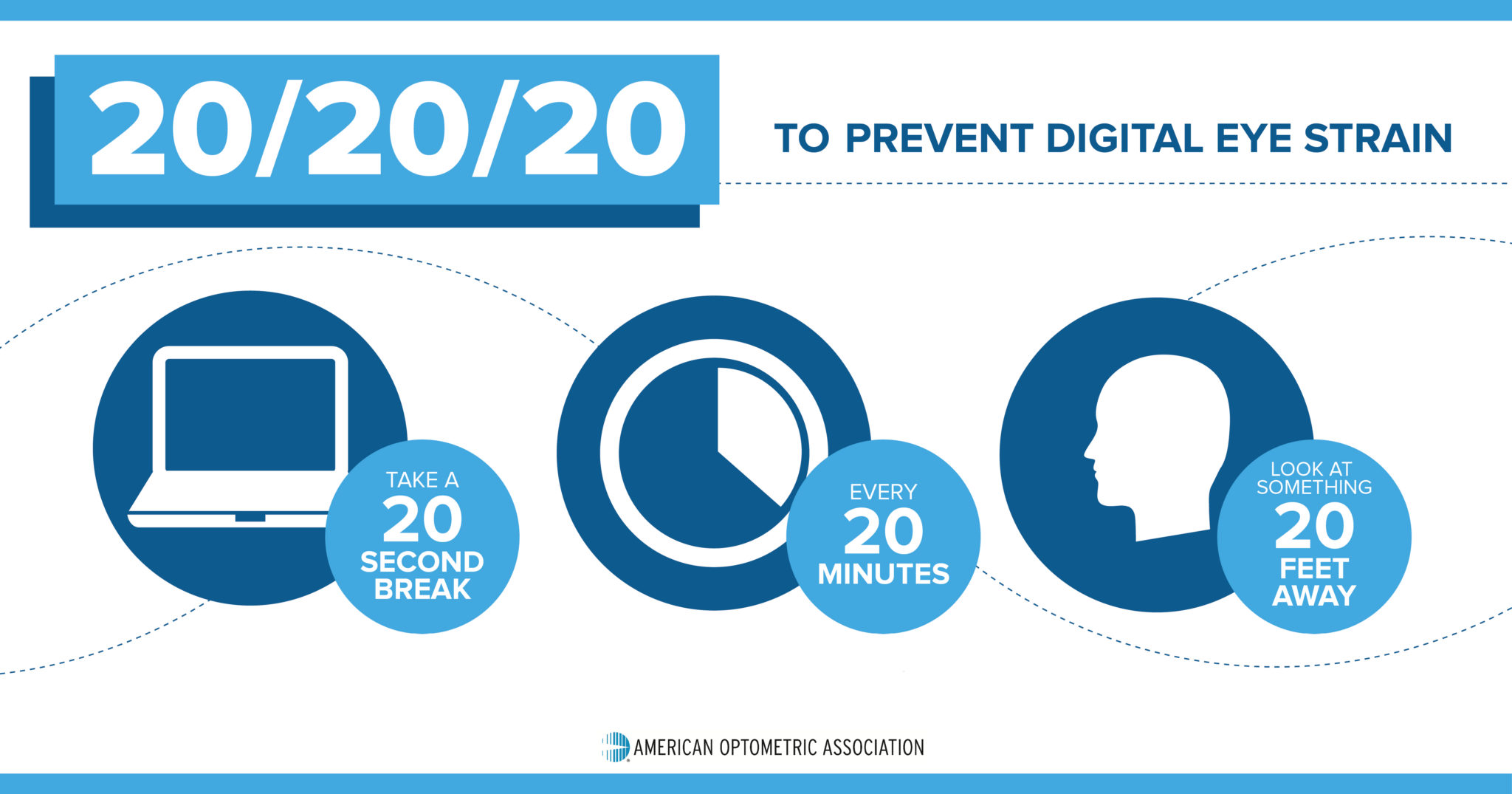
Photo Source American Optometric Association
20-20-20 Rule
For every 20 minutes you look at a screen, look at something 20 feet away for 20 seconds. If you spend a lot of time on screens, you should take breaks using the 20-20-20 rule instead of staring continuously.
Screen Position
Your screen should be positioned slightly below eye level. Use a chair with adjustable height, and adjust your laptop screen easily to match.
1-2-10 Rule
Hold your smartphone about 1 foot from your eyes, position desktops and laptops about 2 feet away, and sit about 10 feet from your TV.
Physical Movement
People with a lot of screen time tend to sit for long periods. Because of this, it’s worth taking short breaks to stretch your arms, legs, back, and neck, and to do some light physical activity — a short walk or a bit of cycling, for example.
Standing Up
Since sitting for long periods is common, standing up regularly to work has also been shown in surveys to relieve stiffness and boost creativity. If you have a height-adjustable desk, it’s worth standing up to work from time to time.
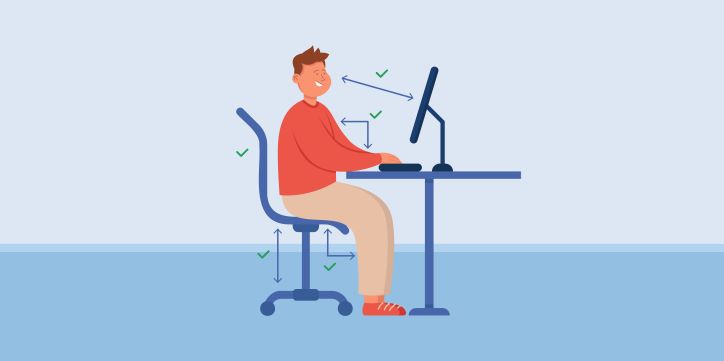
Photo Source Freepik
Lighting and a Comfortable Environment
Avoid glare on your screen by making sure there’s no direct light shining on it from your surroundings. Sit in a comfortable spot with good posture while working. Position yourself about 25 inches away from your device, measured from your forearm. To help relieve neck strain, set your chair height so you can look slightly down at the screen.
Adjust Your Device’s Display Settings
Adjusting your screen’s brightness, lowering the color temperature to reduce blue light, increasing contrast, and enlarging text size can all help ease strain during focused screen time.
Since heavy screen time is often unavoidable, it’s worth being mindful of your eye health as much as possible. Getting an eye exam every 6 months or once a year, and consulting a doctor about eye health, is the best approach.
FAQ
Q: What is the 20-20-20 rule?
A: Every 20 minutes, look at something 20 feet away for 20 seconds, to give your eyes a break from continuous screen focus.
Q: How far should I sit from my devices?
A: About 1 foot from a smartphone, 2 feet from a desktop or laptop, and 10 feet from a TV.